
Overview
ECcube
Description
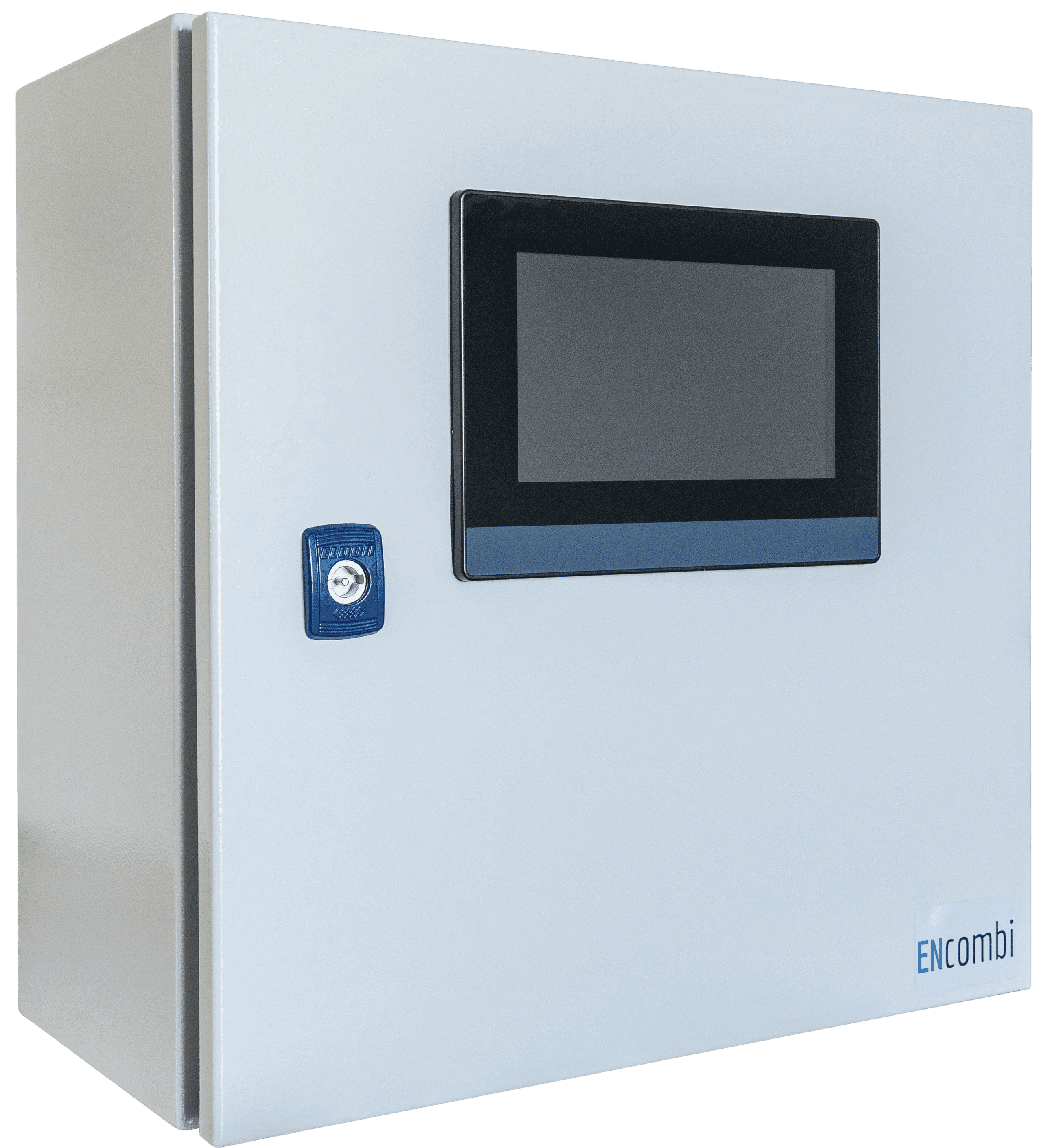
If you don't have a cabinet for your chosen ECpv variant or simply want the most convenient and easiest solution, we offer the ECcube. The ECcube is ready for on-site use: simply connect the power and communication cables through the bottom plate, and you're good to go.
Using the ECpanel, you get a plug-and-play HMI operator panel without any application programming. Setup and monitoring are easily done via ECweb, which guides you through every step and provides a wide range of monitoring options and reports—accessible on your PC or mobile devices.
With the new EClogic feature, you can program custom logics—a simple yet powerful tool. Additionally, use the ECcloud remote monitoring system web app for live and historical data visualization and analysis of your PV and PV-Genset plants. You can try it for a full 90 days free of charge when purchasing any ECpv variant.
The hardware is a high-quality, fast, and extremely compact unit, allowing you to fit it into almost any electrical cabinet at your site, making it ideal for brownfield projects. Depending on the ECpv variant, the unit can cover:
Up to 16 PV feeders
16 on-grid hybrid inverters
1 Energy Storage System (ESS)
16 main connections
Up to 16 gensets in all variants
Unused metering points can be utilized for load measurement via power meters.
Variants
ECcube2 Logger
Logs data from gensets, grid and inverters.
ECcube2 Solar
Only PV control. Inverter power unlimited
ECcubeX Logger
Logs data from utility, gensets and PV inverters
ECcubeX Solar
Power plant control for solar and BESS.
Works with
100 supported
What ECcube connects to
SunSpec
- Fronius
- KACO
- SMASTP · SHP · CORE1 and 2
- Huawei SmartLoggerSUN2000
- DeltaRPIh7/10 · Solivia
- ABBTrio 50/60 · PVS100/120 · Uno
- REFUsol8k to 100k
Non-SunSpec
- DeltaSolivia
- SolarEdge
- Huawei SmartloggerAll models supported
- Huawei SUN2000Entire range supported
- ABBTrio 8,5 - 27,6
- SungrowSG series and COM100E (Logger 1000 and Logger 3000
- SchneiderCL36-CL125
- GrowattVPP and MAX
- Sofar Solar1-40 / 50-50
- KSTAR
- Ginlong Solis
- Polycab
- KehuaSPI-B
- GoodWe
- AISWEISolplanet
- INVTXG
- ChintCPS 14-36kw · CPA-SCA 18-36kw
- WEGstring inverters
- DEYE
- SMAData Manager
- SolaX
- Ingeteam3play
- Afore
- Crown Voltmore
- GrowattShineMaster X
- EcosolysElite-S Series
- HopeWindHopeSun 60-110KTL
- GoodWeET-series
- VoltronicInfiniSolar
- Ginlong Solis
- ATESSPCS
- MouraBESS
- SungrowCP129 · CP50-HV
- CubenergyPowerCombo
- NRPCS-9765
- CERBBESS
- AlphaESSStorion
- WEGBIW610
- Pylontech
- Green TechCaprack
- KgooerBAMS
- Mica PowerMICS CBMS
- PoweroadCBMS
- CumminsPC2.X · PC3.x
- CaterpillarEMCP4
- DeepSeaGenComm (genset, grid and BTB)
- DEIFML-2 (genset, grid and BTB) · CGC 400
- ComApInteliSys · InteliGen · InteliCompact · AMF20 · AMF25 · InteliLite9 · IntelliGen 1000
- WoodwardEasyGen 2000 · EasyGen 3000 · LS-5
- SmartgenHGM400-series · HGM7X00 · HGM9X00
- LovatoRGK60
- SicesGC310 · GC350 · GC500 · MC100
- Kohler/SDMOAPM802
- PilotSPM 32 · SPM 33 · PMAC770
- AccuvimL · EV300
- SchneiderEM64XX · PM1200 · PM2XXX · PM5100 · 5300 · 5500
- EntesEMP-07S
- JanitzaUMG96RM
- DEIFMIC-2
- PhoenixEEM-EM3XX · EMpro
- EastronSDM630 · X96-series
- KlemsanErcas · Krea & Powys
- SocomecDiris A40
- ChintDTSU666
- ABBM4M 20 · M4M 30
- Secure Meters440 · 300
- AlgodueUPM209
- Carlo GavazziEM330
- DFUNDFPM93
- LettelMCX-34V
- AcrelADL3000-E
- SelecMFM384
- SMADatamanager
- SiemensSmart 7KT0310
- IMENemo96EA
- MeierCMM62
- DMeterDM1000
- LegrandEMDX3
- MeatrolME337
- MEIERCM72
- IMTSi-RS485TC-2T-MB
- MeteoControlSi-RS485TC-2T-MB
- SevenSolar
- SungrowPC-4
- RainwisePV-MET-100-2
- SoluzioneSolar LiteMeter Pro · SunMeter Pro · Envmeter Pro · SunMeter Pro Wind · Windmeter
- HuksefluxSR05
- Kipp ZonenSMP-series
- BDsensorDCL531 (fuel sensor)
- SAH ElectronicsXY-MD02 (temp sensor)
- LufttWS200
- Logics PowerAMRPYRA 300V
- RICA330
Downloads
3 files
Accessories
5 products
Need accessories?
All products →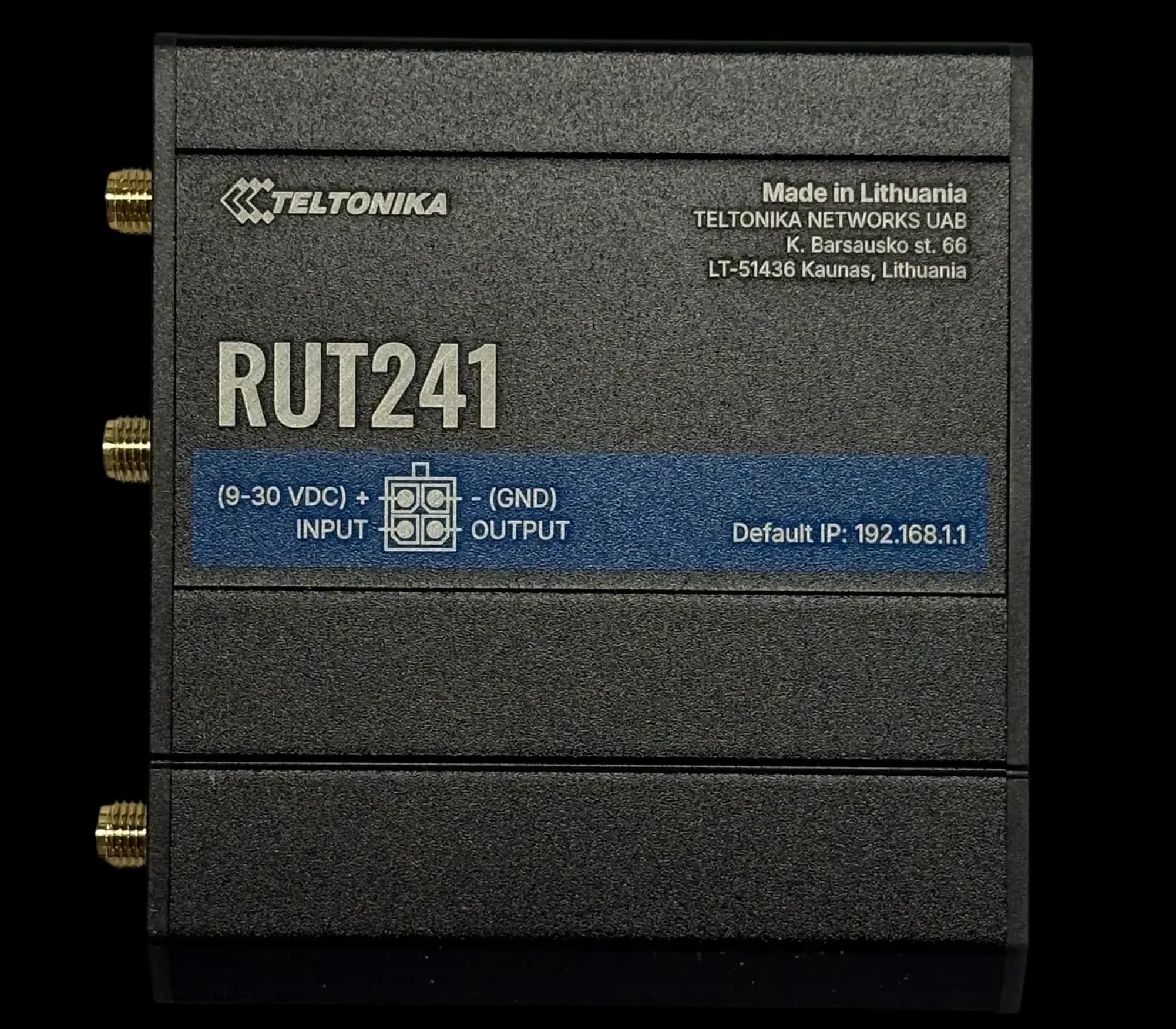
RUT241
GSM ModemCompact 4G LTE modem for DIN rail
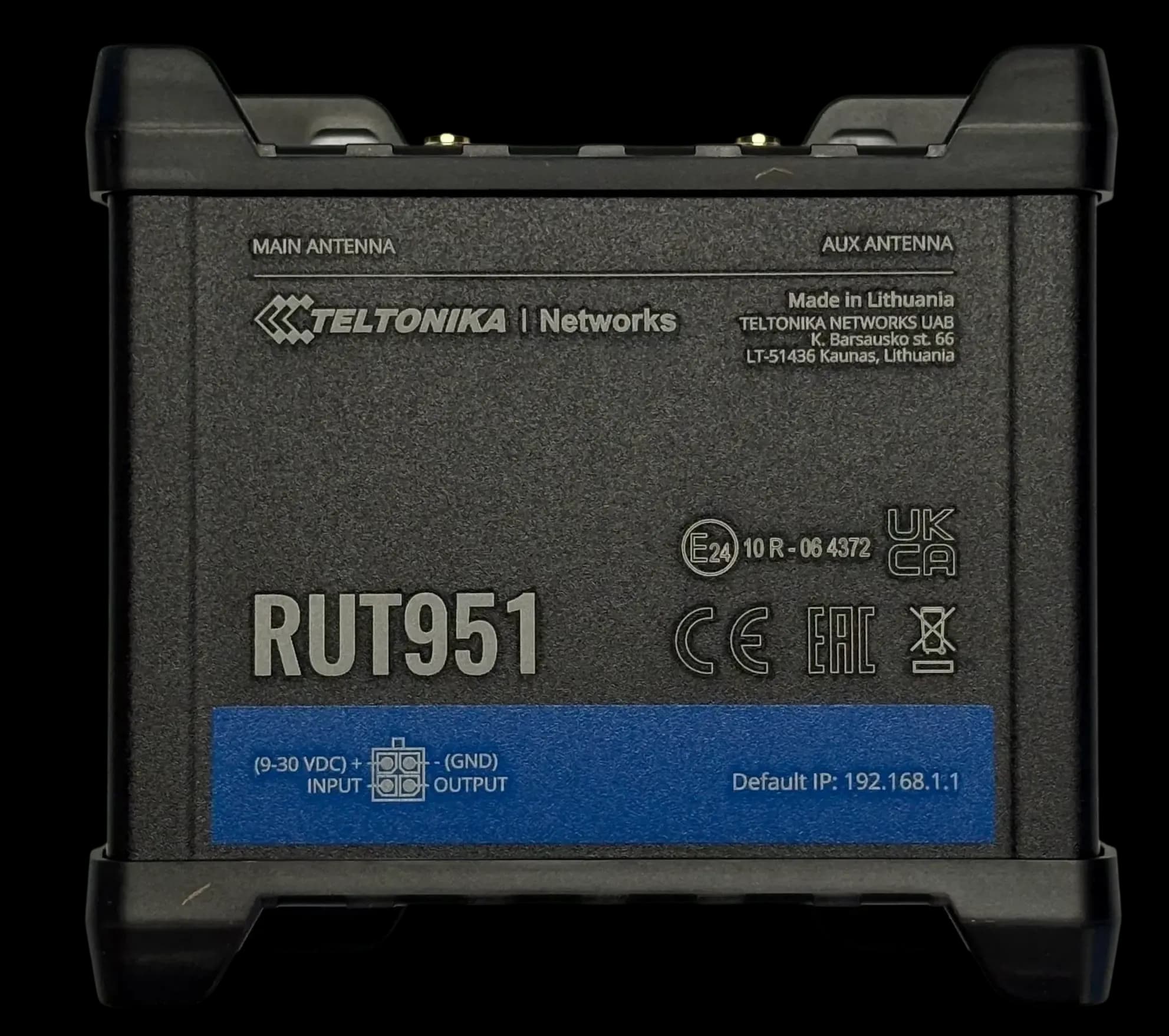
RUT951
GSM ModemDual SIM 4G LTE modem & switch
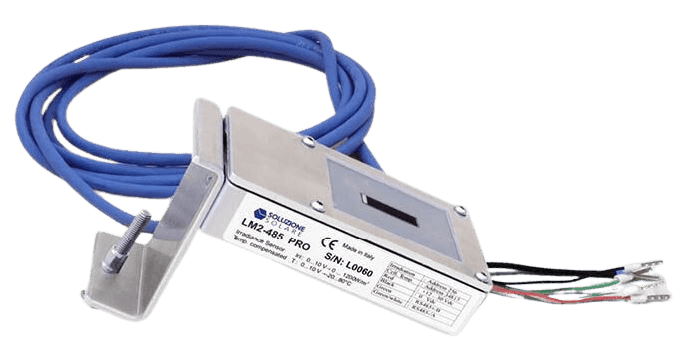
Litemeter Modbus Pro
Irradiance SensorIrradiance & module-temperature sensor with Modbus interface
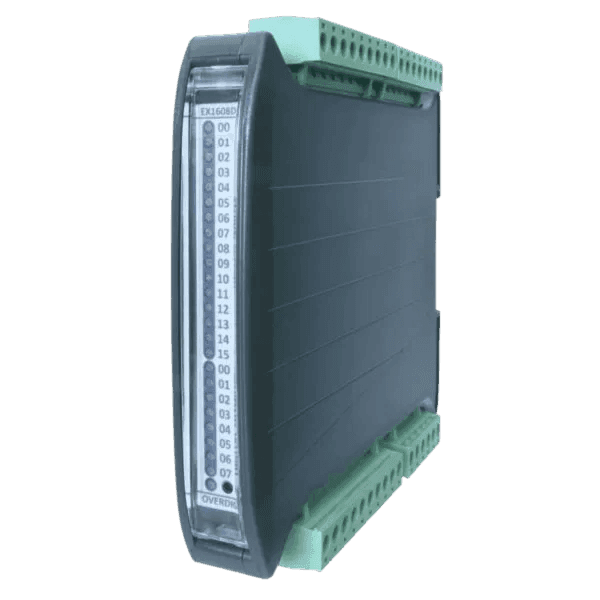
Input/Output Modules
Flexible IO expansion for ENcombi controllers
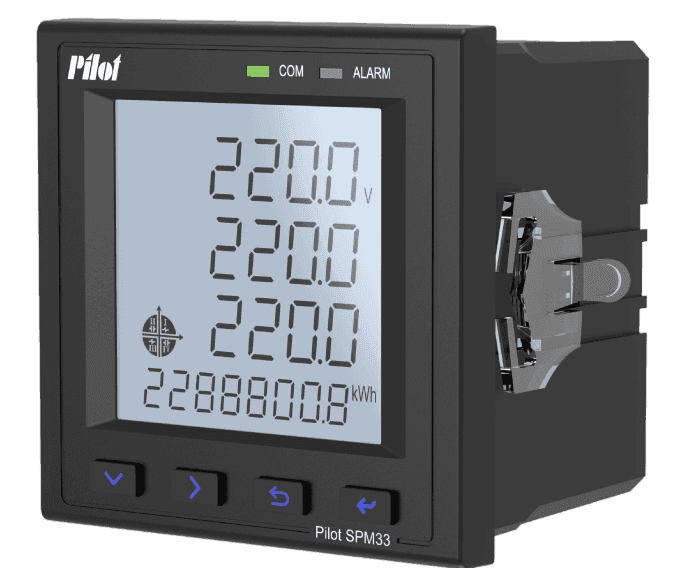
SPM33 Power Meter
Power MeterMultifunction Power Meter with Modbus Interface
ECcube questions
These answers are general information based on our product documentation at the time of writing. They are not binding and may change at any time. For your project, the current datasheet, manual and our written order confirmation apply.
Alvis is AI and can make mistakes. For quotes and exact specs, contact sales.
Planning a site with ECcube?
Tell us about your plant. We'll help you pick the right variant and accessories, and send a quote.