
Overview
ECcloud
Description
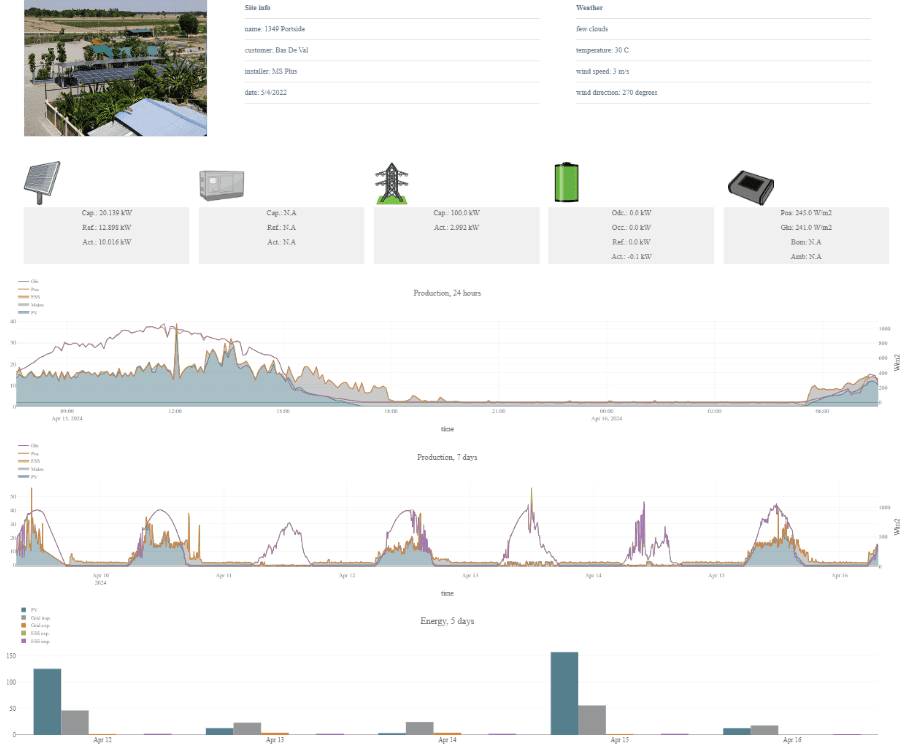
ECcloud is the ENcombi web app for live and historical data visualization and analysis of your PV and PV/Genset plants. It runs on any platform and in any web browser. Just register your ECpv on www.encombi.online and you get the first 90 days free of charge.
You can set yourself, your team and any outside partner as a user and create your own passwords. If you have access to multiple sites, you'll automatically have access to them all after logging. With the ENcombi ECcloud you will always have an overview of your plant's performance from your PC or mobile device.
ECcloud is plug and play monitoring meaning that it automatically adapts to a given a sites in terms of numbers and vendors of genset controllers, power meters, inverters, sensors etc. The data that is visualized in ECcloud differs from product to product but the overall layout, the various features and the way of navigating etc. are common for all of them.
SITES Have an overview of available sites accessible to you. Select which site you want to monitor. Select which site you want to browse around and analyse. All pages automatically adapts to the selected site in terms of number and vendor of genset controllers, power meters, inverters and sensors. Multiple sites can be selected at the same time forming a virtual power plant.
ARBITRAGE When the Battery Energy Storage System (BESS) is connected to the grid, you have the flexibility to configure whether the BESS should dispatch power continuously, only during specific periods, or according to a predefined charging schedule.
The grid can charge the BESS based on the spot price arbitrage optimizer. By leveraging spot price-based control, users can set a minimum profit threshold in euros, ensuring that charging or discharging only occurs when it is most profitable, capitalizing on peak and valley price differentials.
Interested? Contact us here - or head to the How-It-Works section for further information of what the various ENcombi Controllers can do for your project.
Key features
- Easy and straightforward user interface and menu system
- Past 24 hours graphs of production, references and measures from inverters, power meters, gensets, sensors etc.
- Past 30-days, 12-month & 10-years analyses of energy generated and curtailed, revenues, savings etc.
- Automatically generated reports via email.
- Automatic forward of data to up to two FTP servers.
- Manual download of data.
- ...And much more!
Downloads
1 file
Resources
Accessories
5 products
Need accessories?
All products →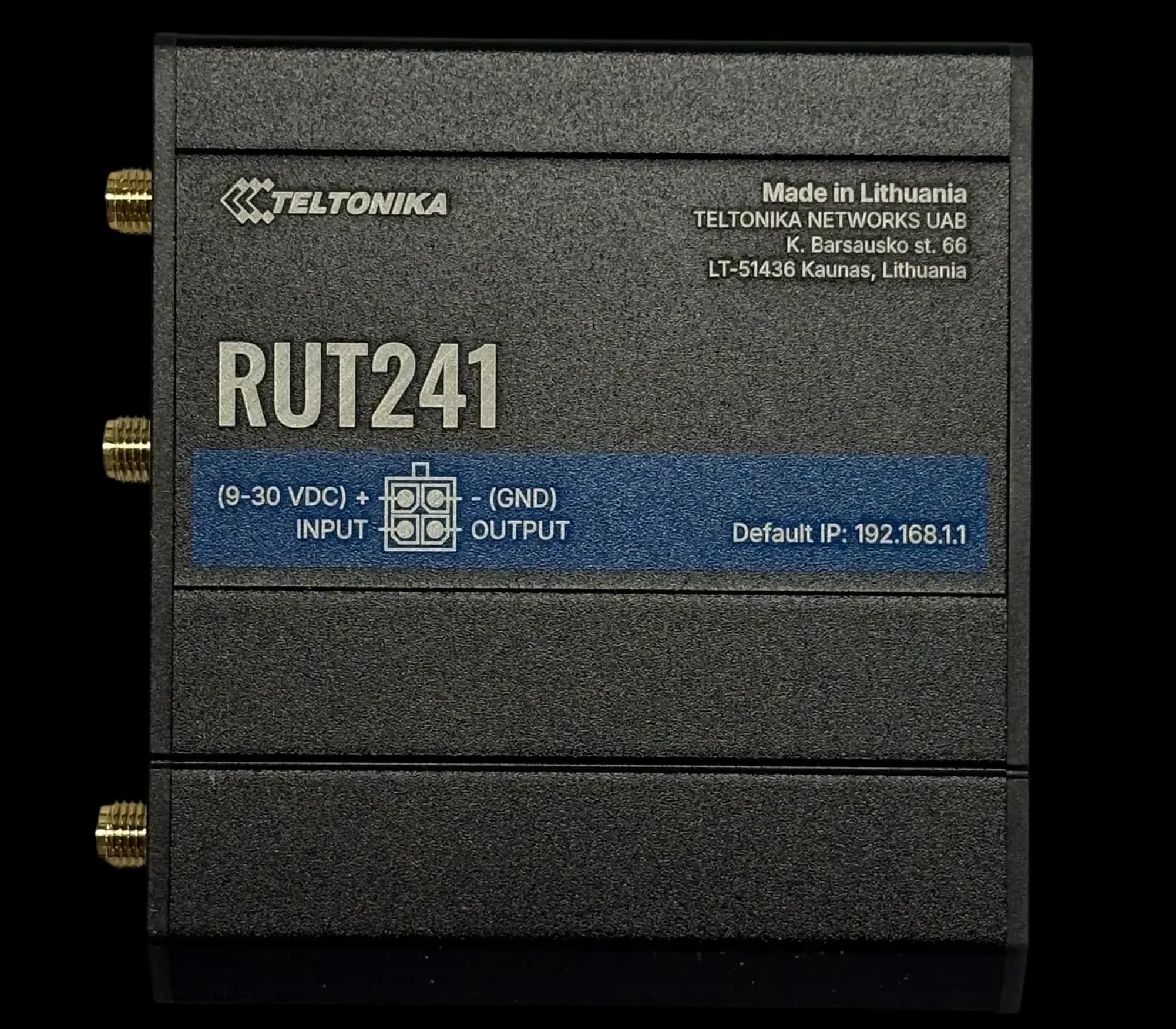
RUT241
GSM ModemCompact 4G LTE modem for DIN rail
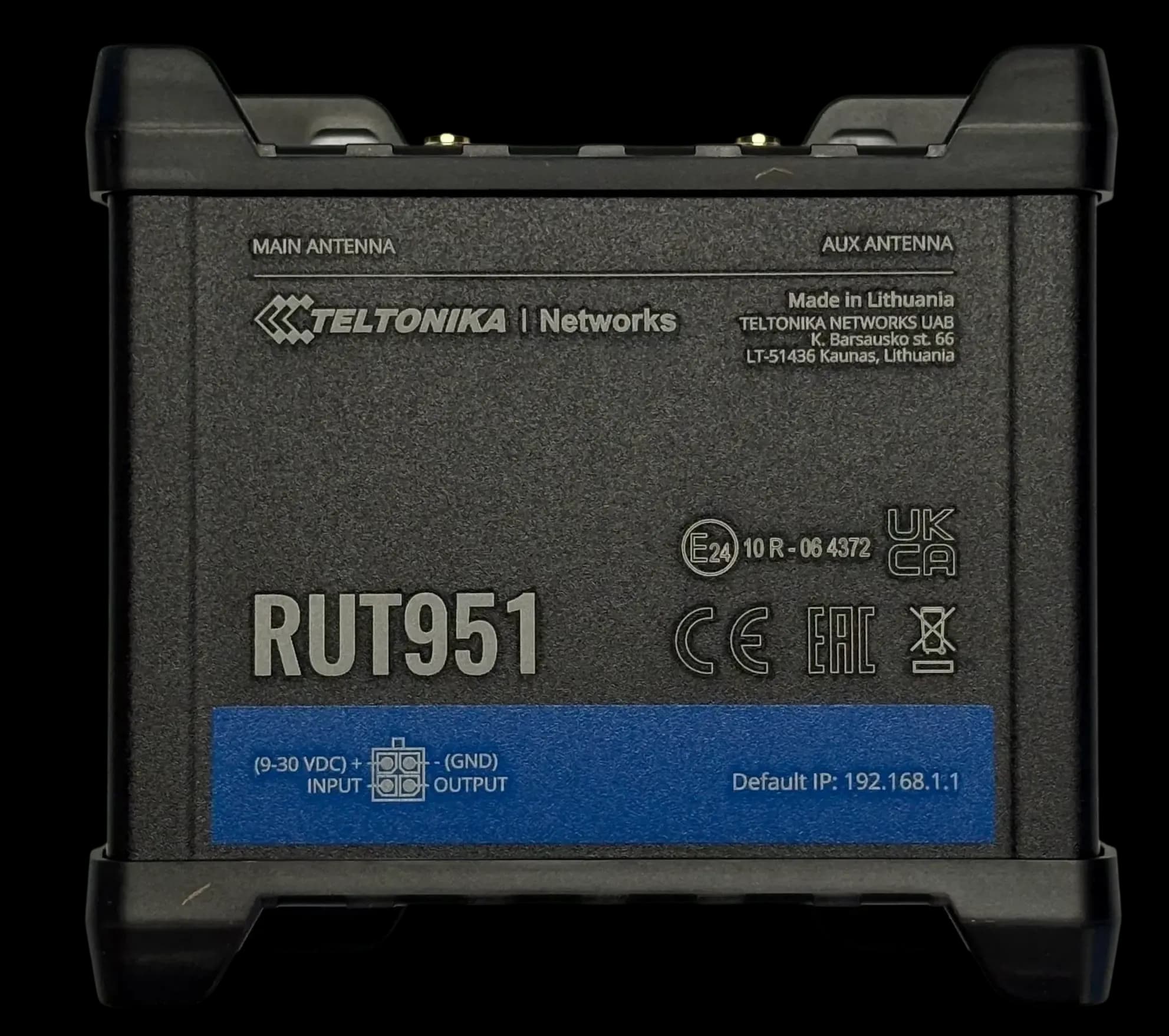
RUT951
GSM ModemDual SIM 4G LTE modem & switch
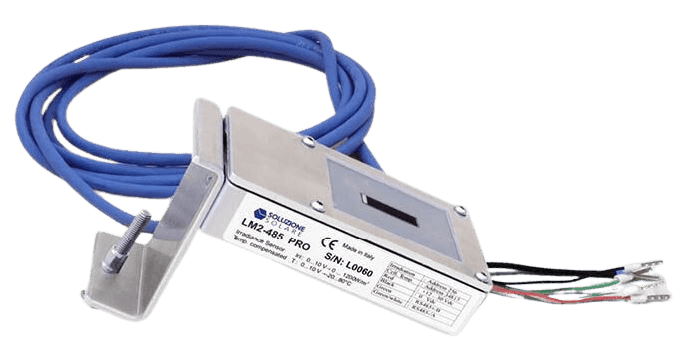
Litemeter Modbus Pro
Irradiance SensorIrradiance & module-temperature sensor with Modbus interface
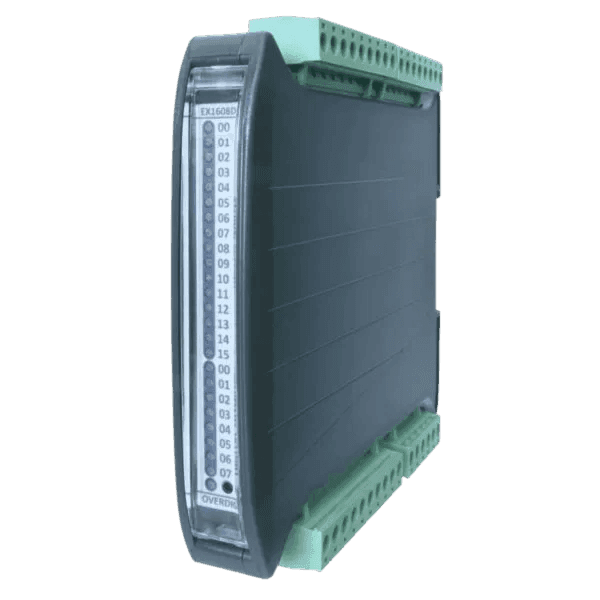
Input/Output Modules
Flexible IO expansion for ENcombi controllers
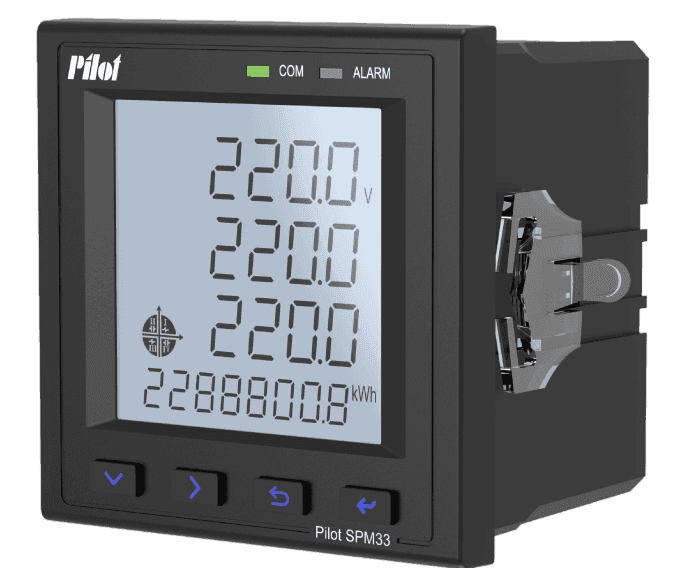
SPM33 Power Meter
Power MeterMultifunction Power Meter with Modbus Interface
ECcloud questions
These answers are general information based on our product documentation at the time of writing. They are not binding and may change at any time. For your project, the current datasheet, manual and our written order confirmation apply.
Alvis is AI and can make mistakes. For quotes and exact specs, contact sales.
Planning a site with ECcloud?
Tell us about your plant. We'll help you pick the right variant and accessories, and send a quote.