

Overview
EClink
Description
EClink is the ENcombi VPN remote access solution for ECpv and ECcube solutions, enabling you to access your ENcombi device and other webservers within the same network.
With an ENcombi-provided router, you can establish direct connections from our ECcloud monitoring portal using:
1. GSM connection with SIM card (2G, 3G & 4G supported) 2. LAN with wired connection to an on-site router 3. Wireless through an on-site WiFi
Additionally, the EClink feature does not require a public IP address to function and can even be added to your existing installations.
Accessories
5 products
Need accessories?
All products →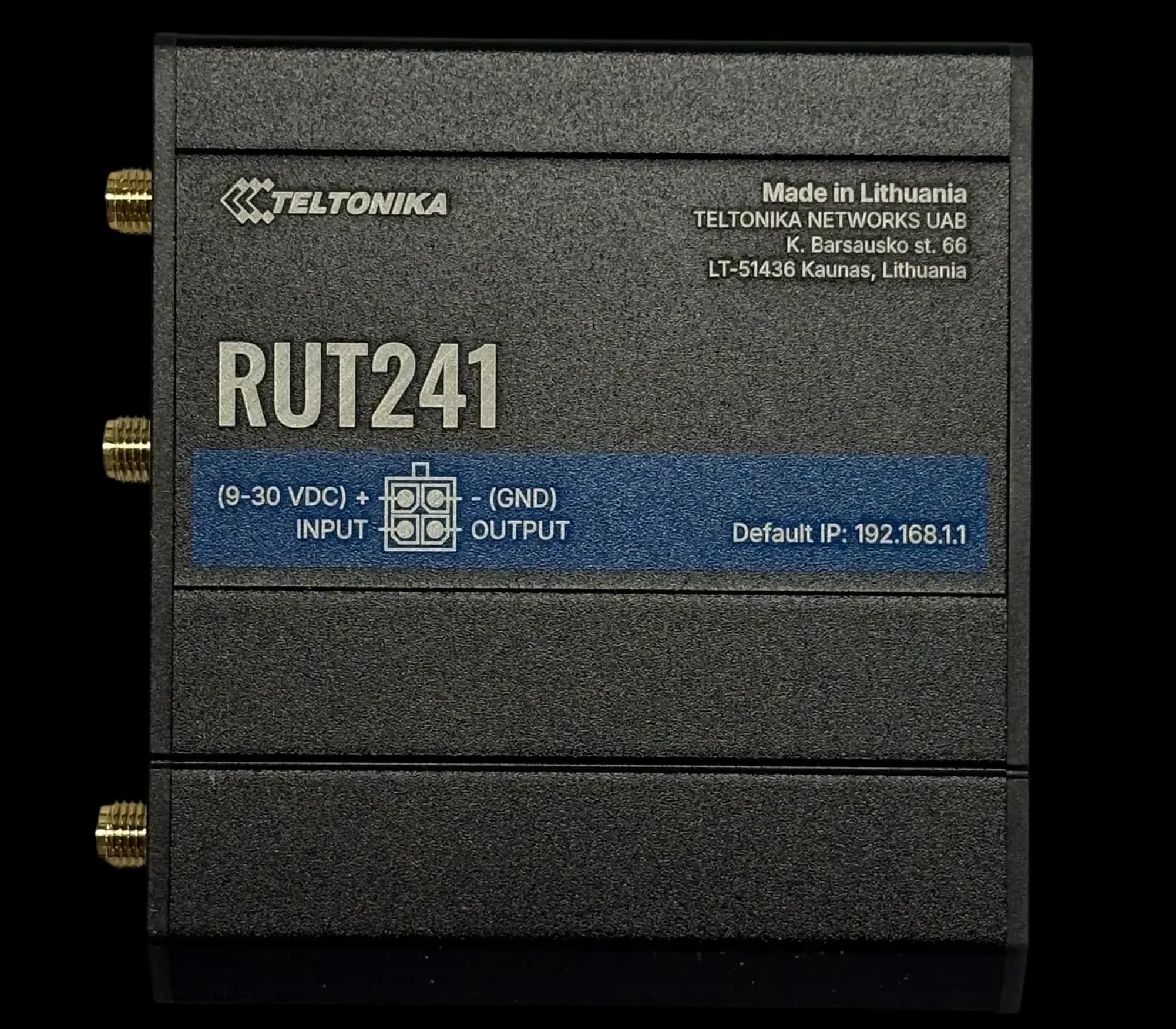
RUT241
GSM ModemCompact 4G LTE modem for DIN rail
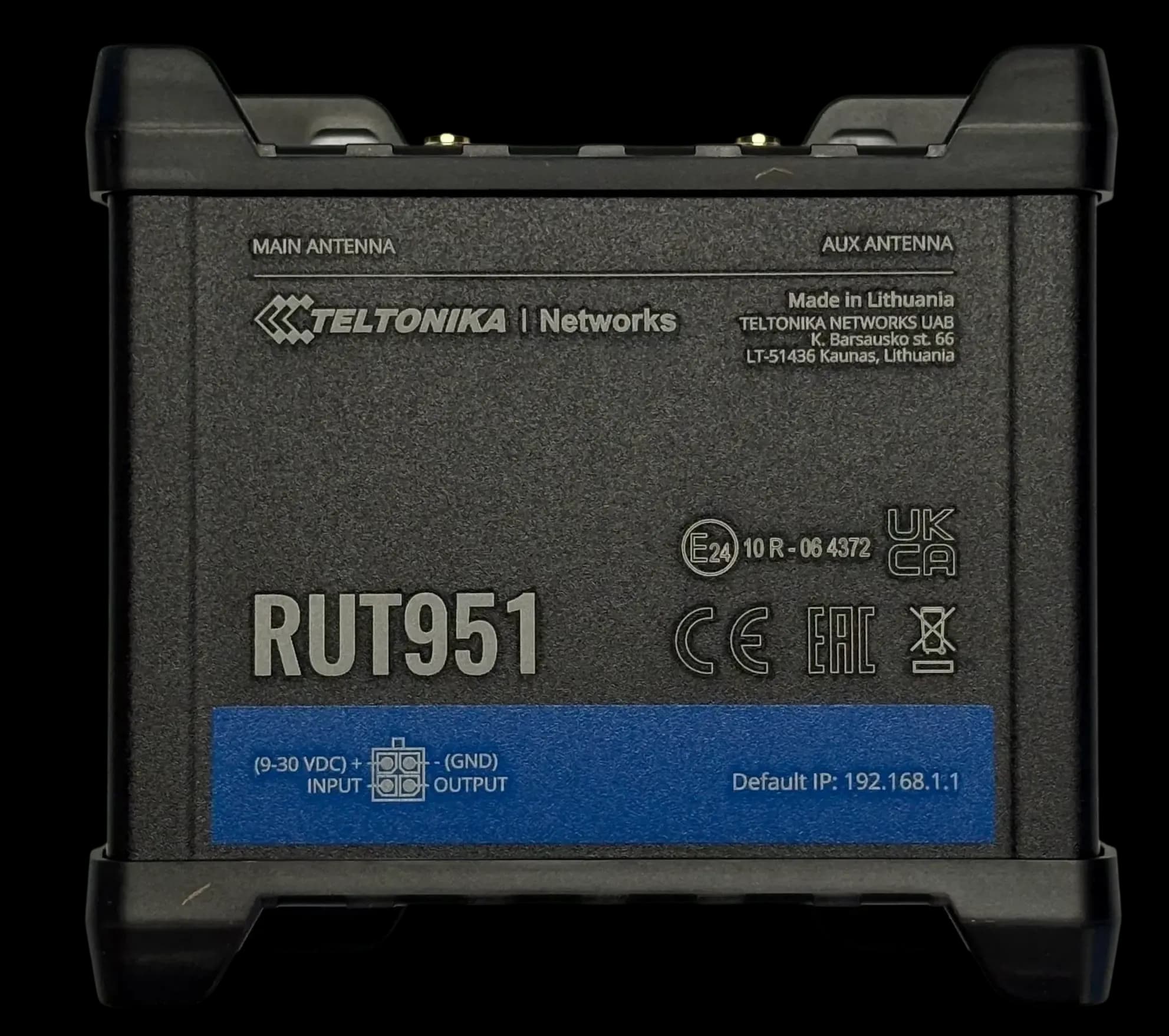
RUT951
GSM ModemDual SIM 4G LTE modem & switch
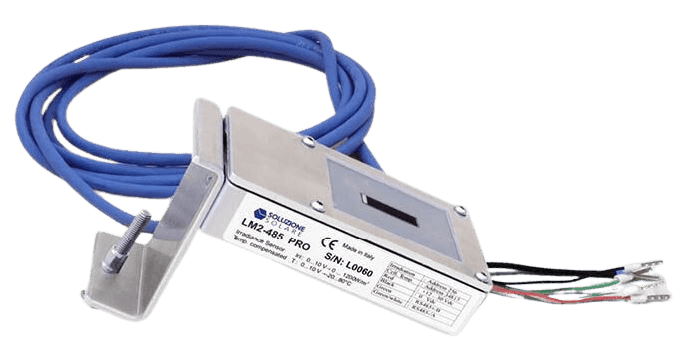
Litemeter Modbus Pro
Irradiance SensorIrradiance & module-temperature sensor with Modbus interface
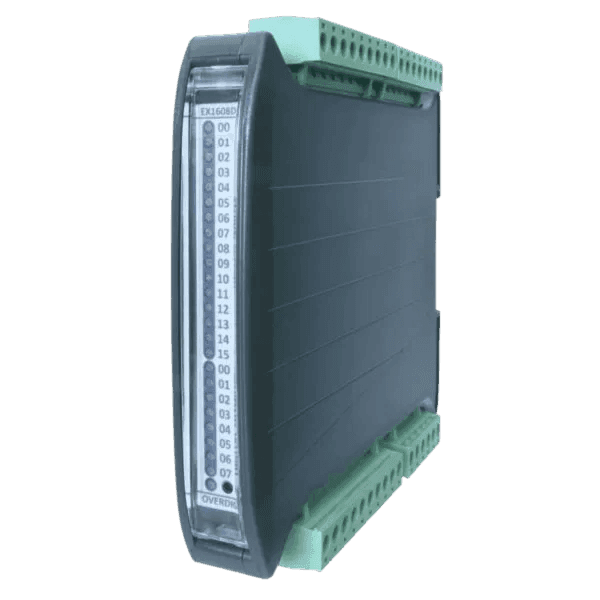
Input/Output Modules
Flexible IO expansion for ENcombi controllers

SPM33 Power Meter
Power MeterMultifunction Power Meter with Modbus Interface
EClink questions
These answers are general information based on our product documentation at the time of writing. They are not binding and may change at any time. For your project, the current datasheet, manual and our written order confirmation apply.
Alvis is AI and can make mistakes. For quotes and exact specs, contact sales.
Planning a site with EClink?
Tell us about your plant. We'll help you pick the right variant and accessories, and send a quote.