
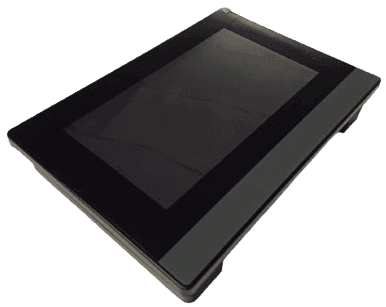
Overview
ECpanel
Description
Is the ENcombi plug and play HMI operator control and monitoring interface. Connect with any of the ECpv variants out of the box. No need for customization or application design - all has been made ready for you!
In the ECpanel you have access to set control values in your ECpv directly.
You will be able to monitor your inverters, power meters and gensets in real-time values and via the built-in 24h trend curves for load, production, and consumption.
The hardware is a high quality, fast and cost-efficient unit which you can build into your own cabinet - or as a part of our ECcube offering.
Should you wish to receive a screen in a different size or with different functionality - contact us for an offer for a customized screen.
Key features
- Plant start/stop
- Individual overview pages for solar inverters, power meters and genset controller
- 365 days of historical data logged in SD card in CSV format
- Plant overview
- 24h trend curves for power, load, plane of array and power references
- 100,000 events and alarm log
Variants
ECpanel 7
7" HMI touch interface
ECpanel X
Customized screens on request
Downloads
10 files
Accessories
5 products
Need accessories?
All products →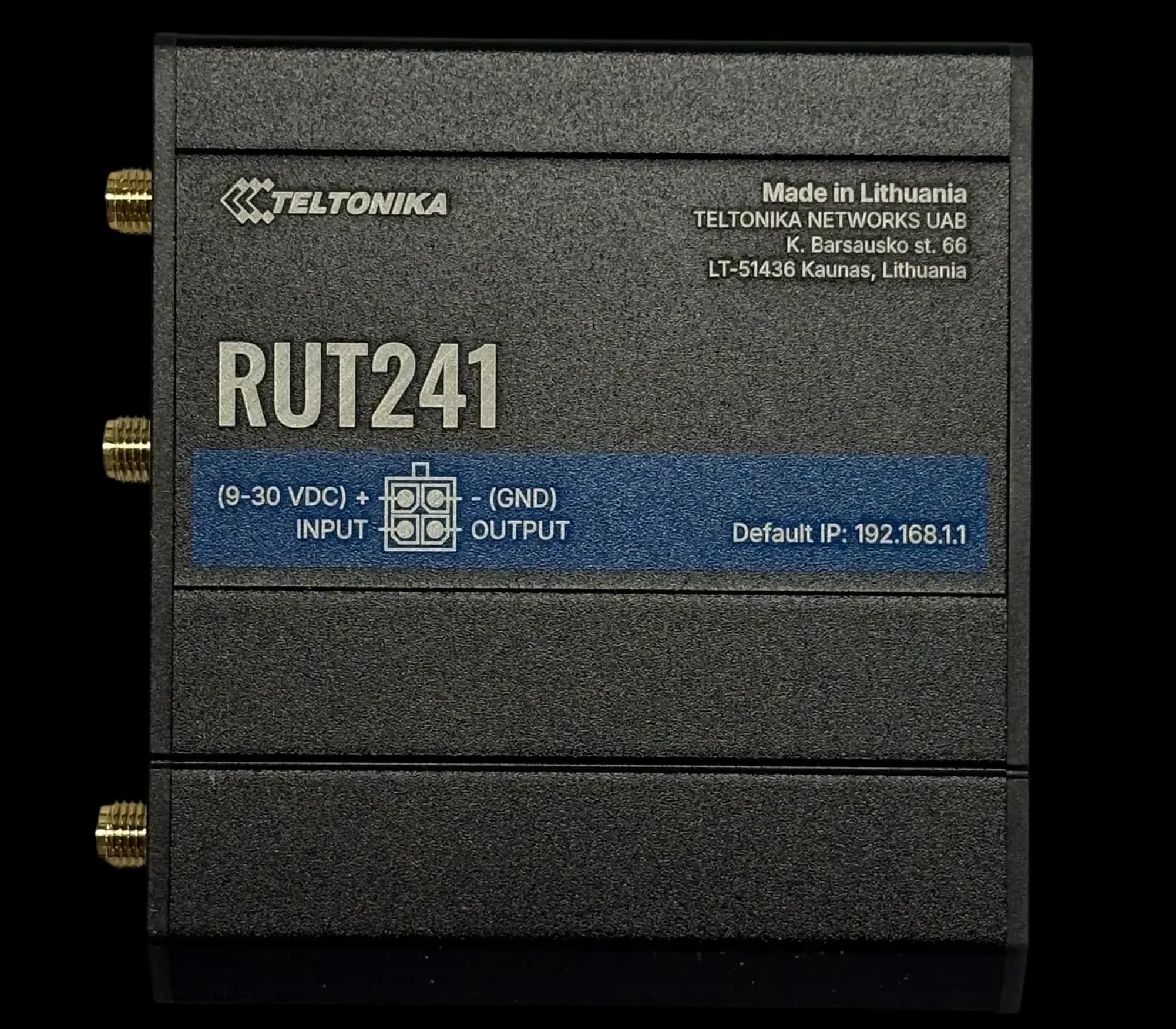
RUT241
GSM ModemCompact 4G LTE modem for DIN rail
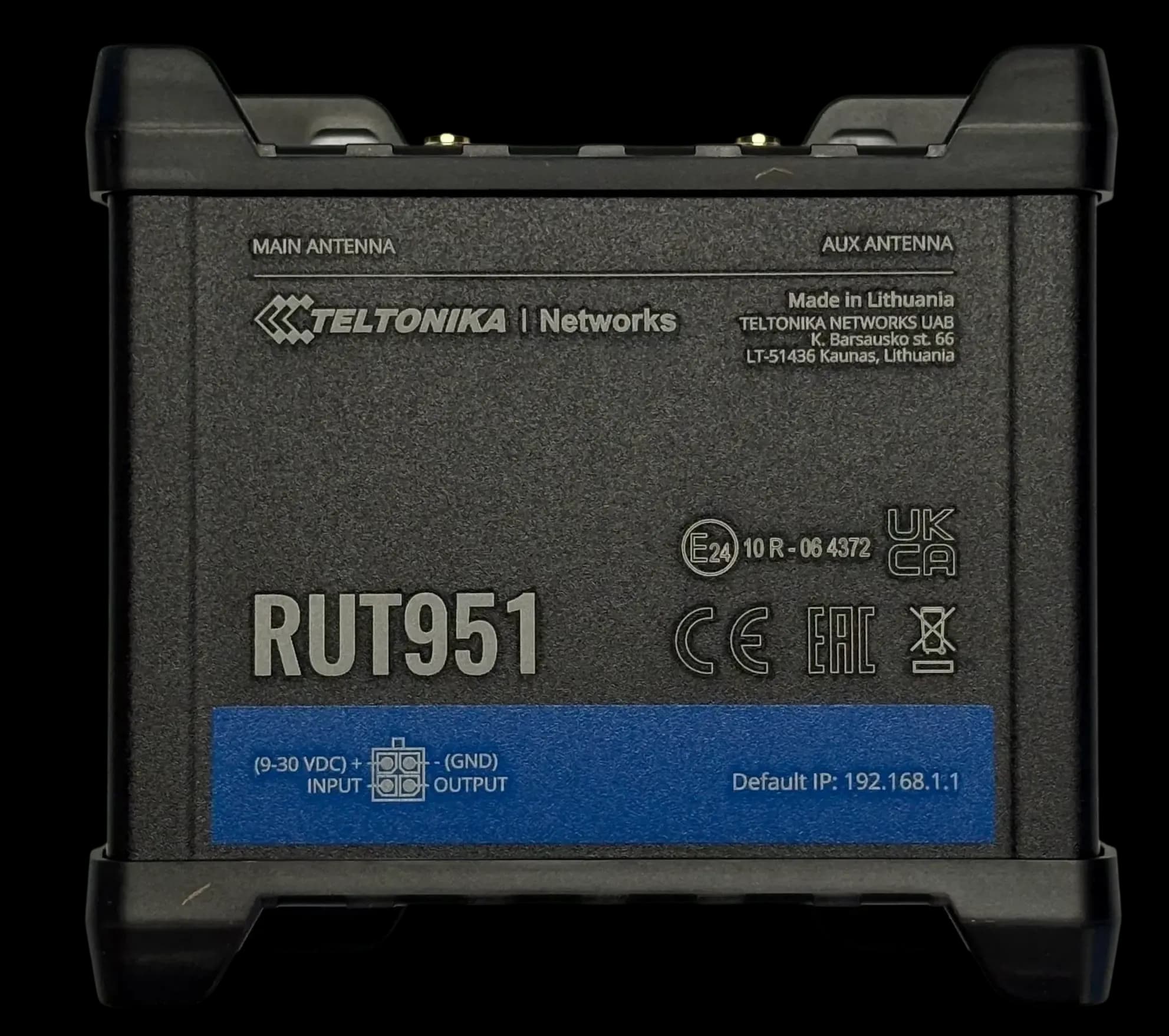
RUT951
GSM ModemDual SIM 4G LTE modem & switch
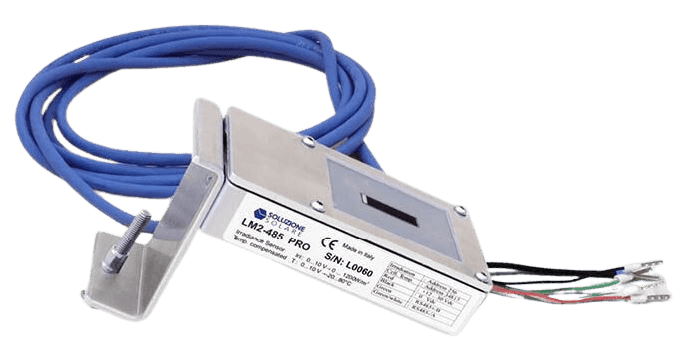
Litemeter Modbus Pro
Irradiance SensorIrradiance & module-temperature sensor with Modbus interface
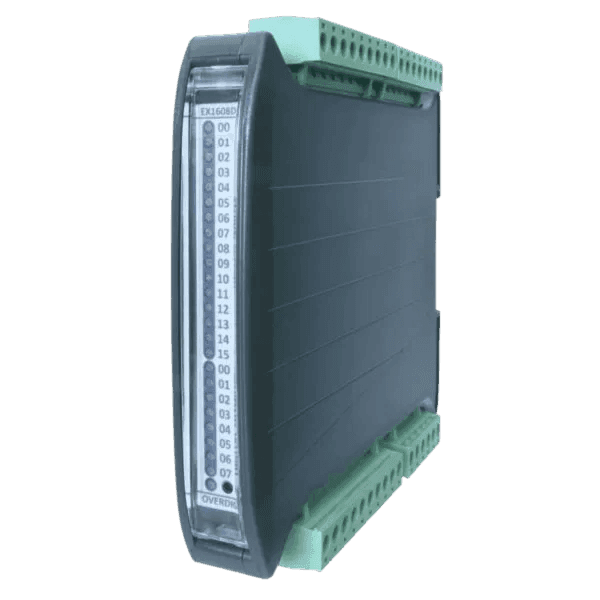
Input/Output Modules
Flexible IO expansion for ENcombi controllers
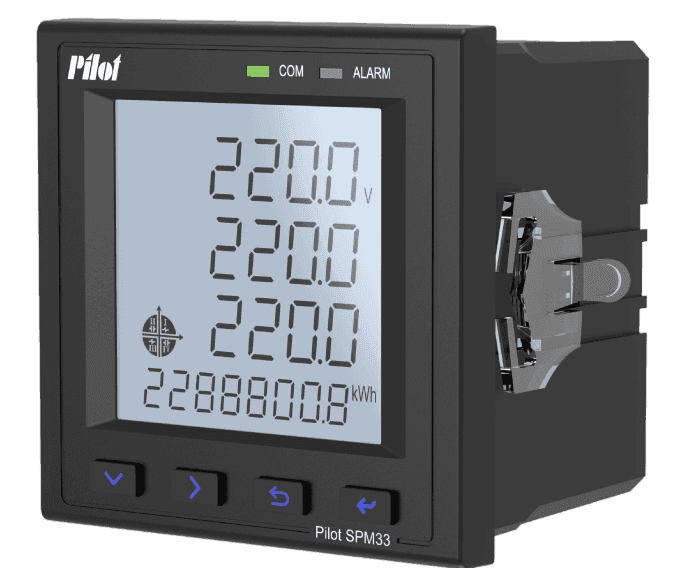
SPM33 Power Meter
Power MeterMultifunction Power Meter with Modbus Interface
ECpanel questions
These answers are general information based on our product documentation at the time of writing. They are not binding and may change at any time. For your project, the current datasheet, manual and our written order confirmation apply.
Alvis is AI and can make mistakes. For quotes and exact specs, contact sales.
Planning a site with ECpanel?
Tell us about your plant. We'll help you pick the right variant and accessories, and send a quote.