
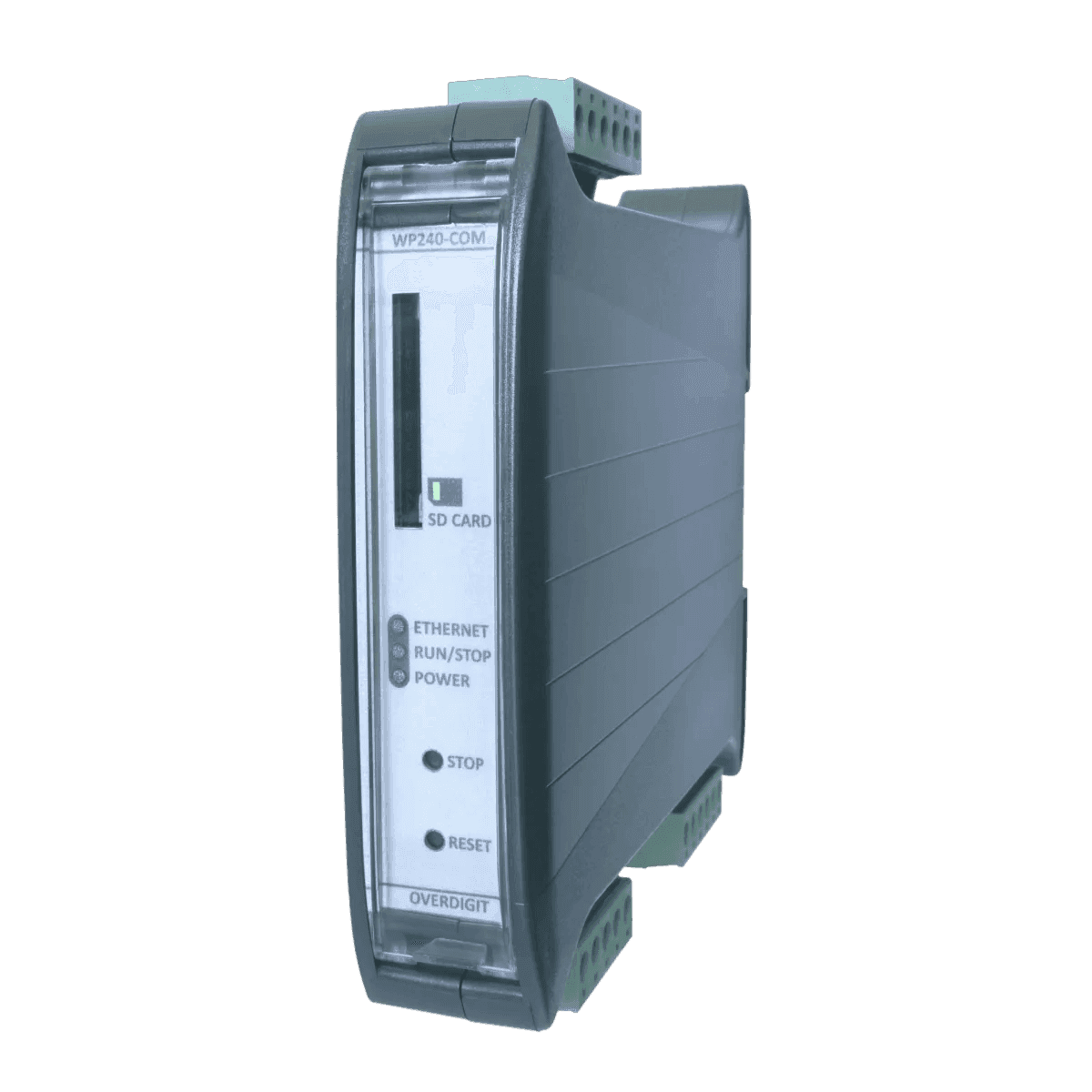
Overview
ECpvH
Description
Introducing the ENcombi plug-and-play controller, designed for PV and PV-Hybrid plants with on-grid hybrid inverters.
Effortlessly connect with on-grid hybrid inverters, genset controllers and power meters through RS-485 or TCP/IP. Gain complete control over grid export, self-consumption, and manage off-grid generator operations in parallel with your solar plant, leading to fuel savings.
For setups that incorporate both on-grid and on-grid hybrid inverters, you can also integrate the ECpvX, allowing for the use of inverters from different brand within the same system.
Using the ECpanel, you have a plug and play HMI operator panel without doing any application programming.
Setup and monitoring is easily done via the ECweb, describing every step of the setup and providing you with a wide range of monitoring and reports - run it on your PC or on mobile devices. With the new EClogic feature, you can program custom logics - a simple and powerful tool.
Use the ECcloud remote monitoring system web app for live and historical data visualization and analysis or your PV and PV-Genset plants. You can get to try it out for a full 90 days free of charge when purchasing any ECpv2 variant.
The hardware is a high quality, fast and extremely compact unit allowing you to fit it into almost any electrical cabinet at your site when doing brownfield projects.
As standard, the unit covers up to 16 on-grid hybrid inverters, 16 PV feeders, and 16 mains connections in all variants, and up to 16 gensets in all PV/Genset variants.
Variants
ECpvH Logger
Logs data from utility, gensets and PV inverters
ECpvH Solar
Only PV control. Inverter power unlimited
ECpvH S
PV/Genset. Inverter power up to 100KW
ECpvH M
PV/Genset. Inverter power up to 500KW
ECpvH L
PV/Genset. Inverter power unlimited
Works with
74 supported
What ECpvH connects to
- GoodWeET-series
- VoltronicInfiniSolar
- Ginlong Solis
SunSpec
- Fronius
- KACO
- SMASTP · SHP · CORE1 and 2
- Huawei SmartloggerSUN2000
- DeltaRPIh7/10 · Solivia
- ABBTrio 50/60 · PVS100/120 · Uno
- REFUsol8k to 100k
Non-SunSpec
- DeltaSolivia
- SolarEdge
- Huawei SmartloggerAll models supported
- Huawei SUN2000entire range supported
- ABBTrio 8.5 - 27.6
- SungrowSG series · COM100E (Logger 1000 and Logger 3000)
- SchneiderCL36 - CL125
- GrowattVPP · MAX
- Sofar Solar1-40 · 50-50
- KSTAR
- Ginlong Solis
- Polycab
- KehuaSPI-B
- GoodWe
- AISWEISolplanet
- INVTXG
- ChintCPS 14-36kw · CPA SCA 18-36kw
- WEGstring inverters
- DEYE
- SMAData Manager
- SolaX
- Ingeteam3play
- Afore
- Crown Voltmore
- GrowattShineMaster X
- EcosolysElite-S series
- HopeWindHopeSun 60-110KTL
- Canadian Solar
- CumminsPC2.X · PC3.x
- CaterpillarEMCP4
- DeepSeaGenComm (genset, grid and BTB)
- DEIFML-2 (genset, grid and BTB) · CGC 400
- ComApInteliSys · InteliGen · InteliCompact · AMF20 · AMF25 · InteliLite9 · IntelliGen 1000
- WoodwardEasyGen 2000 · EasyGen 3000 · LS-5
- SmartgenHGM400-series · HGM7X00 · HGM9X00
- LovatoRGK60
- SicesGC310 · GC350 · GC500 · MC100
- Kohler/SDMOAPM802
- PilotSPM 32 · SPM 33 · PMAC770
- AccuvimL · EV300
- SchneiderEM64XX · PM1200 · PM2XXX · PM5100 · 5300 · 5500
- EntesEMP-07S
- JanitzaUMG96RM (All Janitza supported)
- DEIFMIC-2
- PhoenixEEM-EM3XX · EMpro
- EastronSDM630 · X96-series
- KlemsanErcas · Krea & Powys
- SocomecDiris A40
- ChintDTSU666
- ABBM4M 20 · M4M 30
- Secure Meters440 · 300
- IMTSi-RS485TC-2T-MB
- MeteoControlSi-RS485TC-2T-MB
- SevenSolar
- SungrowPC-4
- RainwisePV-MET-100-2
- SoluzioneSolar LiteMeter Pro · SunMeter Pro · Envmeter Pro · SunMeter Pro Wind · Windmeter
- HuksefluxSR05
- Kipp ZonenSMP-series
- BDsensorDCL531 (fuel sensor)
- SAH ElectronicsXY-MD02 (temp sensor)
- LufttWS200
- Logics PowerAMRPYRA 300V
- RICA330
Downloads
11 files
Accessories
5 products
Need accessories?
All products →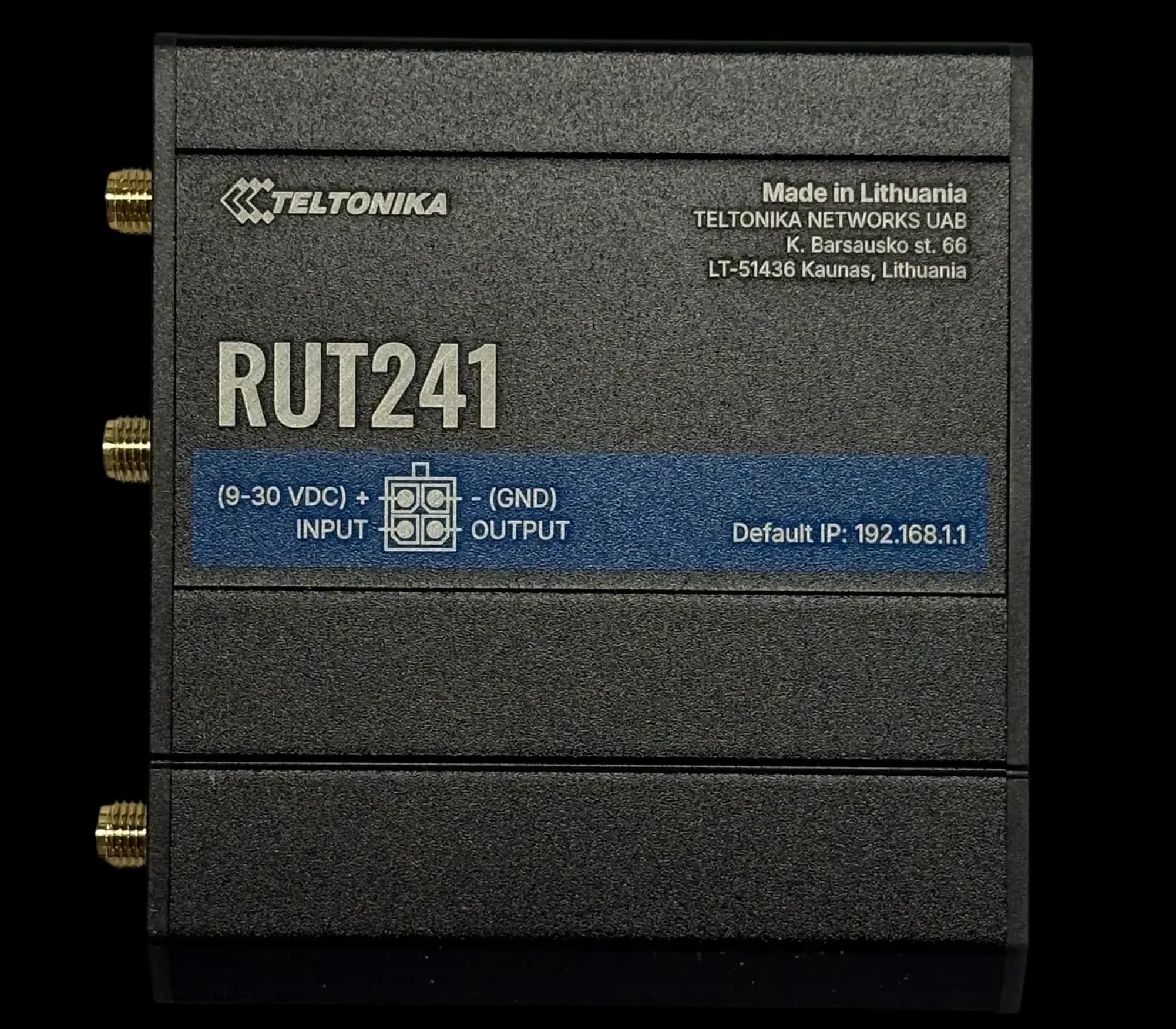
RUT241
GSM ModemCompact 4G LTE modem for DIN rail
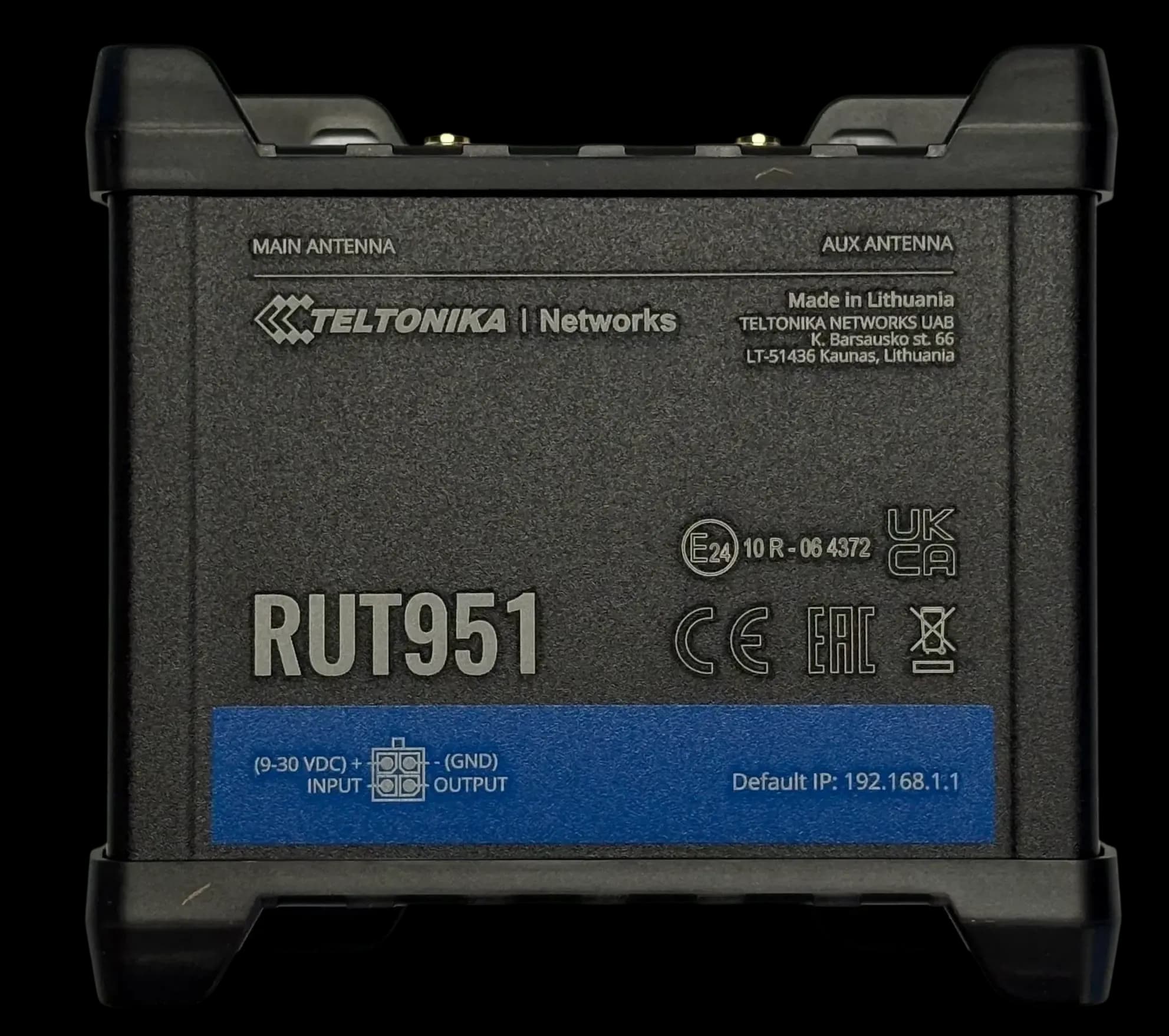
RUT951
GSM ModemDual SIM 4G LTE modem & switch
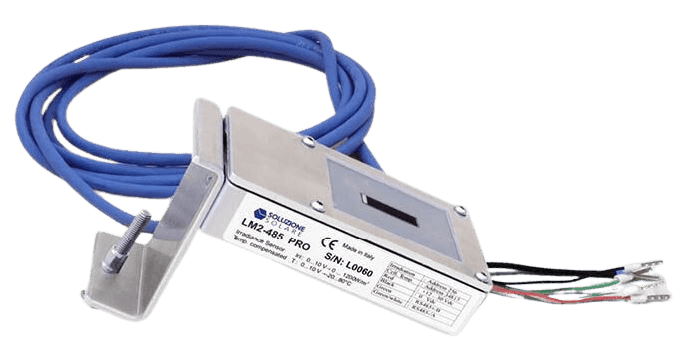
Litemeter Modbus Pro
Irradiance SensorIrradiance & module-temperature sensor with Modbus interface
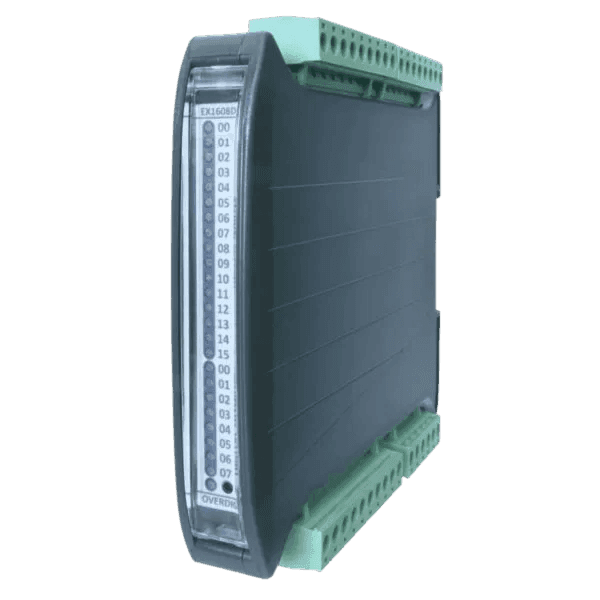
Input/Output Modules
Flexible IO expansion for ENcombi controllers
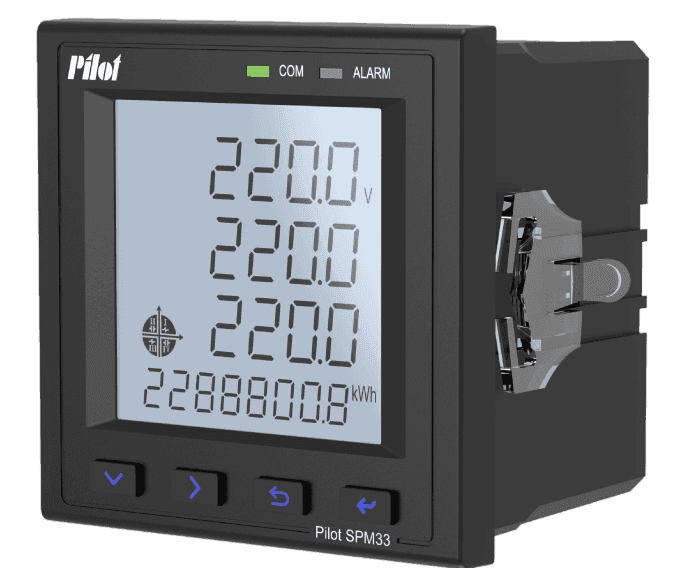
SPM33 Power Meter
Power MeterMultifunction Power Meter with Modbus Interface
ECpvH questions
These answers are general information based on our product documentation at the time of writing. They are not binding and may change at any time. For your project, the current datasheet, manual and our written order confirmation apply.
Alvis is AI and can make mistakes. For quotes and exact specs, contact sales.
Planning a site with ECpvH?
Tell us about your plant. We'll help you pick the right variant and accessories, and send a quote.